



© 2025 Mister Saad | All Rights Reserved

Dubai Marina

How to Publish an iOS App on the App Store?
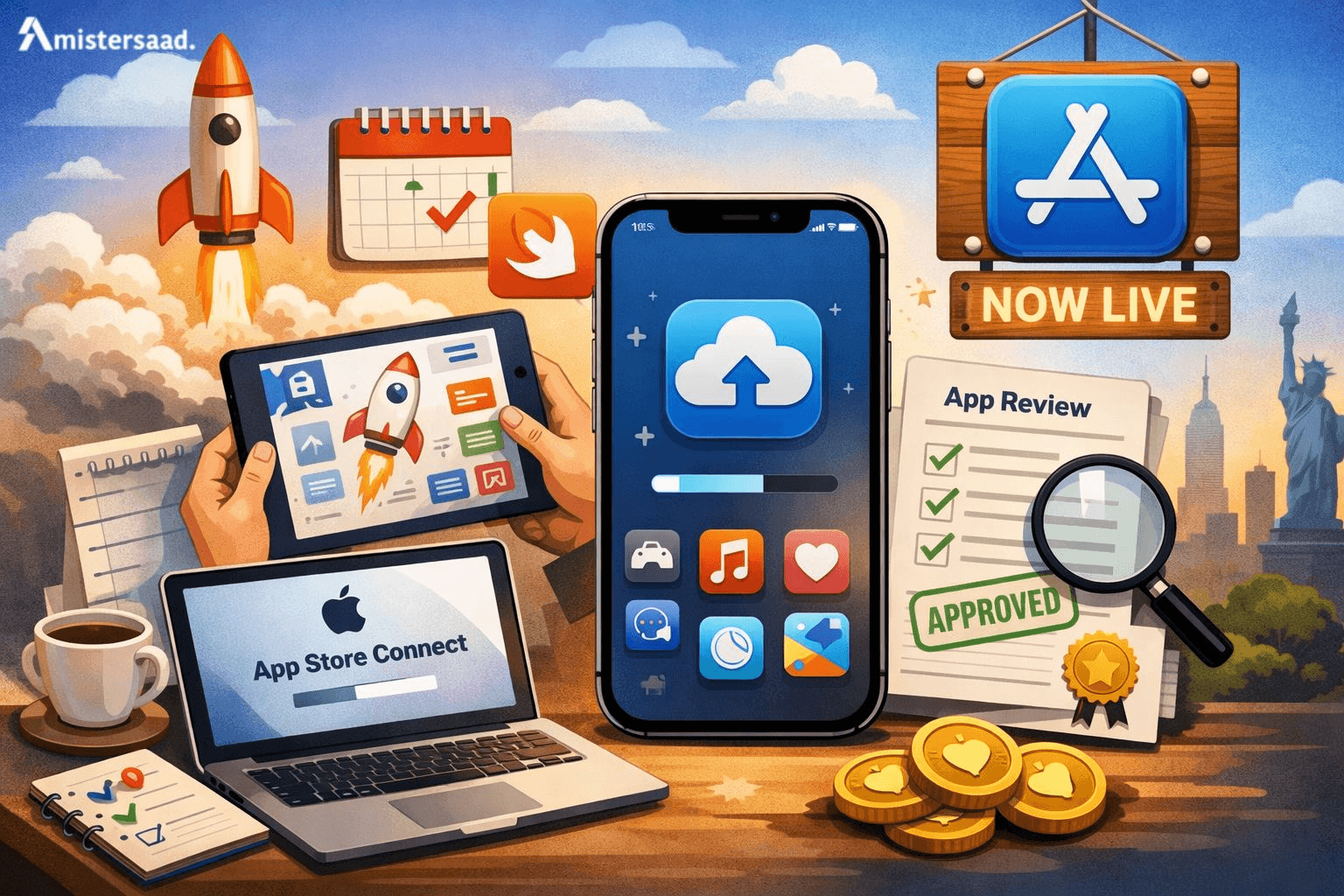
Posting on the App Store involves planning and preparation. Apple adheres to quality and security standards. The developers have to be aware of every step prior to submission. An explicit procedure will prevent postponements and refusals. A lot of companies are dependent on the professional assistance of an App Developer Dubai. The process of publishing an app is not only. It also includes compliance, design and marketing preparedness. With an appropriate approach, your application will be in the hands of millions of people across the globe. This is the guide that will help you to go through the correct procedure. It is centered on best practices, accuracy and clarity.
Why Publishing on the App Store Matters
The App Store gives global visibility to your application. Millions of users search it daily. Apple users trust apps approved by Apple. Publishing builds credibility and brand authority. It also allows secure monetization opportunities. Developers can earn through purchases and subscriptions. Apple provides tools for performance tracking. Updates reach users quickly through the platform. A published app gains a competitive advantage. Businesses grow faster with App Store exposure. Proper publishing ensures long-term success and scalability.
Understanding Apple’s App Store Requirements
Apple maintains strict standards for quality and safety. Every app must meet technical and ethical requirements. These rules protect users and the ecosystem. Developers must follow Apple policies carefully. Noncompliance often leads to rejection. Apple reviews apps for performance and security. Design consistency matters greatly. Content must be appropriate and lawful. Apps should provide clear user value. Understanding requirements saves time and effort. Many teams consult a Freelance App Developer Dubai for compliance clarity. Preparation reduces rejection risks significantly.
Apple Developer Program Overview
The Apple Developer Program is mandatory for publishing. It gives access to App Store Connect and tools. Developers enroll as individuals or organizations. Membership enables testing and distribution. Apple verifies identity during enrollment. The program supports app analytics and beta testing. Developers manage certificates and profiles here. It also provides technical resources and support. Enrollment ensures secure app ownership. Active membership remains essential for updates and maintenance.
Individual vs Organization Accounts
Individual accounts suit solo developers and freelancers. Organization accounts suit companies and brands. Organization accounts display company names publicly. They require legal entity verification. Individual accounts show personal developer names. Both accounts offer similar technical features. Choice depends on business structure and branding needs.
Costs and Subscription Details
The Apple Developer Program costs annually. The fee remains consistent worldwide. Payment activates publishing rights. Renewal is required every year. Without renewal, apps get removed. Budget planning should include this cost early.
App Store Review Guidelines Explained
Apple provides detailed review guidelines publicly. These rules define acceptable app behavior. Apps must respect user privacy. Misleading content causes rejection. Apps should function without crashes. Proper metadata is mandatory. Apple reviews design and usability closely. Guidelines also cover payments and subscriptions. Following them strictly improves approval chances. Regular updates keep apps compliant.
Preparing Your iOS App Before Submission
Preparation ensures smooth App Store approval. Developers should test apps thoroughly. Stability matters more than features. Bugs lead to rejections and poor reviews. Performance optimization is essential. Apps should load quickly and respond smoothly. Design consistency improves user trust. Many teams rely on Mobile App Developer Dubai expertise during preparation. Proper preparation reduces delays and costs.
Ensuring App Stability and Performance
Apps must run without crashes. Memory usage should remain optimized. Slow apps frustrate users. Developers should test on multiple devices. Network handling must remain reliable. Background tasks should follow Apple rules. Performance testing tools help identify issues. Stable apps pass reviews faster. User satisfaction improves with smooth performance.
Testing Your App Using TestFlight
TestFlight allows beta testing before launch. Developers invite testers easily. Feedback helps improve quality. Apple recommends TestFlight testing. Crashes and bugs appear early. Developers fix issues before review. TestFlight supports version management. Testing reduces rejection risks significantly. It also improves user experience.
Meeting Apple’s Design and UX Standards
Apple values clean and intuitive design. Apps should follow Human Interface Guidelines. Navigation must remain clear. Buttons should be easy to tap. Fonts must be readable. Gestures should behave naturally. Consistent design improves approval chances. Good UX increases user retention.
Creating App Store Assets
Assets influence download decisions heavily. Visuals and descriptions must attract users. Apple reviews assets carefully. Accurate representation matters greatly. Poor assets reduce approval chances. Many businesses seek a Freelance Mobile App Developer Dubai for asset creation. Strong assets improve conversions and trust.
App Name, Subtitle, and Keywords
The app name should be clear and unique. The subtitle explains the app's value briefly. Keywords improve discoverability. Avoid misleading claims. Apple checks keyword relevance. Proper naming boosts search visibility. Keep titles concise and meaningful. Follow Apple's character limits strictly.
Writing an Effective App Description
Descriptions explain app features clearly. Use simple language for clarity. Highlight benefits, not just features. Avoid exaggerated claims. Apple rejects misleading descriptions. Structure content for easy reading. Short paragraphs improve engagement. Honest descriptions build user trust.
Designing App Icons and Screenshots
Icons represent your brand identity. Screenshots show app functionality—high-quality visuals matter. Follow Apple size guidelines strictly. Avoid cluttered designs. Use real app screens only. Clear visuals improve downloads. Consistent branding increases recognition.
Setting Up App Store Connect
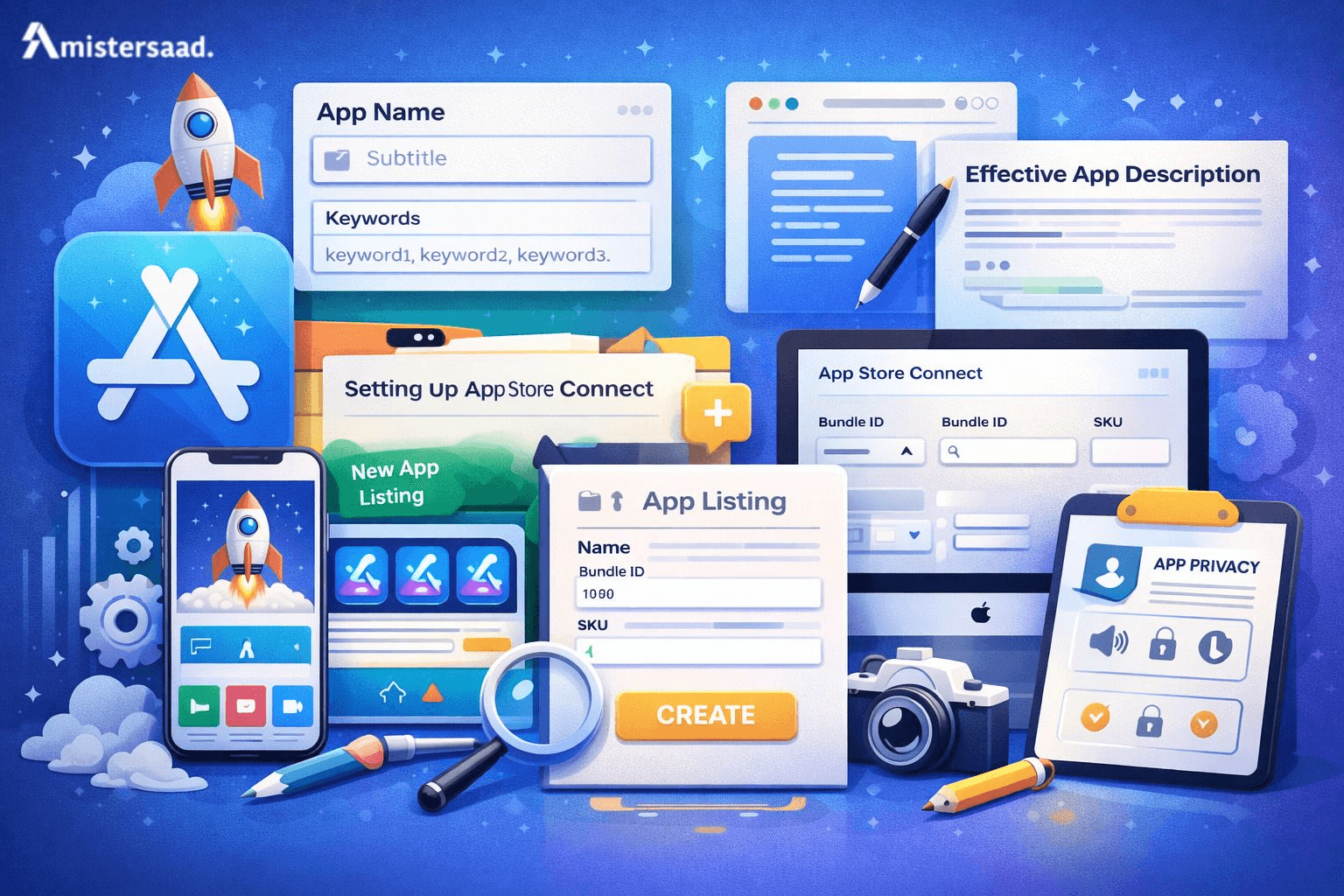
App Store Connect manages your app listing. Developers configure app details here. It handles versions and analytics. Setup accuracy is crucial. Errors cause submission delays. Teams offering App Development Dubai services manage this process efficiently.
Creating a New App Listing
Developers add a new app entry. They select the platform and name. Primary language is required. Bundle ID must match Xcode. App listing connects, builds, and metadata. Proper setup ensures smooth uploads. Mistakes delay review processing.
Selecting Bundle ID and SKU
Bundle ID uniquely identifies the app. SKU helps internal tracking. Both must remain consistent. Changing them causes issues. Bundle ID matches Xcode configuration. Choose meaningful SKUs for clarity.
Configuring App Privacy Details
Privacy details are mandatory. Developers disclose data collection practices. Apple enforces transparency. Incorrect disclosures lead to rejection. Update privacy labels accurately. User trust depends on honesty.
Uploading Your App Using Xcode
Xcode handles app builds and uploads. Developers' archive builds here. Proper configuration ensures success. Many teams working in Mobile App Development Dubai use standardized workflows.
Archiving the App in Xcode
Developers select the correct scheme. Archive builds generate distributable files. Code signing must be valid. Errors should be resolved before upload. Archive history helps with version tracking. Clean builds reduce upload failures.
Validating and Uploading the Build
Xcode validates and builds automatically—validation checks for issues. Fix warnings before upload. Successful validation allows upload. Uploaded builds appear in App Store Connect. Proper validation avoids rejection.
Managing Build Versions
Each build requires a unique version number. Increment versions correctly. Build numbers track updates. Proper management avoids confusion. Apple reviews the latest builds only.
App Privacy, Permissions, and Compliance
Apple prioritizes user privacy strongly. Apps must request permissions responsibly. Compliance ensures trust and approval. Many businesses consult Freelance Mobile App Development Dubai specialists for compliance support.
App Privacy Labels Explained
Privacy labels describe data usage. Developers declare data collection clearly. Labels appear on App Store listings. Incorrect labels cause rejection. Transparency builds user confidence. Keep labels updated with changes.
Handling User Data and Permissions
Apps should request minimal permissions. Explain permission usage clearly. Avoid unnecessary data access. Secure user data properly. Encryption improves compliance. Respect user consent always.
Compliance with Global Regulations
Apps must follow global laws. GDPR and other regulations apply. Apple enforces compliance strictly. Non-compliance risks removal. Legal consultation ensures safety. Compliance protects users and developers.
Submitting the App for Review
Submission finalizes preparation work. Developers choose builds carefully. Review information must be accurate. Many developers rely on guidance from MisterSaad, known as the best app developer, for smooth submissions.
Selecting the Correct App Version
Choose the latest stable build. Ensure metadata matches build features. Incorrect versions delay review. Double-check configurations. Accurate selection speeds approval.
Filling Review Notes and Contact Details
Review notes explain app functionality. Provide demo credentials if required. Clear notes help reviewers understand features. Contact details enable communication. Proper notes reduce rejection risks.
Choosing Manual or Automatic Release
Manual release allows control. Automatic release publishes immediately after approval. Choose based on marketing plans. Manual release suits coordinated launches. Automatic release saves time.
Understanding the App Review Process
Apple reviews every app manually. Reviewers test functionality and compliance. The process ensures quality standards. Patience and accuracy are important.
- Average Review Timelines: Reviews usually take one to two days. Complex apps may take longer. Holidays affect timelines. Developers receive notifications after review. Planning helps manage expectations.
- Common Reasons for App Rejection: Rejections occur for many reasons. Poor performance causes rejection. Privacy issues also matter.
- UI Violations: Inconsistent design breaks guidelines. Poor navigation affects usability. Non-standard gestures cause issues. Apple values polished interfaces.
- Privacy and Security Issues: Undisclosed data collection leads to rejection. Weak security practices cause concern. Permissions misuse violates policies. Secure handling is mandatory.
- How to Respond to Review Feedback: Respond politely and clearly. Address issues promptly. Provide explanations if needed. Resubmit corrected builds quickly. Professional responses improve outcomes.
Releasing Your App on the App Store
Release makes your app available globally. Proper settings ensure correct visibility.
App Availability and Regional Settings
Select target countries carefully. Some features vary by region. Localization improves reach. Regional compliance matters. Availability settings control access.
Pricing and In-App Purchase Setup
Set pricing tiers accurately. In-app purchases require approval. Transparent pricing builds trust. Test purchases thoroughly. Incorrect pricing causes rejection.
Publishing the App Live
After approval, release the app. Verify listing details publicly. Monitor initial downloads. Address early feedback quickly.
Post Launch Steps and Maintenance
Launch is only the beginning. Ongoing maintenance ensures success.
Monitoring App Performance and Crashes
Use analytics tools regularly. Monitor crashes and performance. Fix issues quickly. Stable apps retain users—performance insights guide improvements.
Collecting User Feedback and Ratings
Encourage user reviews politely. Feedback highlights improvement areas. Respond to reviews professionally. Ratings influence downloads. User trust grows through engagement.
Releasing Updates and Bug Fixes
Regular updates improve functionality. Bug fixes maintain stability. Update notes inform users. Continuous improvement keeps apps relevant.
Common Mistakes to Avoid When Publishing an iOS App
Avoiding mistakes saves time and resources.
- Technical Mistakes: Ignoring testing causes crashes. Poor performance leads to rejection. Incorrect signing breaks uploads—technical accuracy matters.
- Content and Metadata Errors: Misleading descriptions cause rejection. Wrong screenshots confuse users. Metadata accuracy is essential. Always review content carefully.
- Compliance Oversight: Ignoring privacy laws risks removal. Missing disclosures cause rejection. Compliance should never be overlooked.
Conclusion and Final Tips
Publishing an iOS app requires careful execution. Every step impacts approval success. Preparation and compliance matter greatly. Clear documentation prevents delays. Strong design improves user trust. Testing reduces rejection risks. Professional support speeds processes. Continuous updates ensure growth. If you want expert guidance, consult experienced developers today. Take action now and publish confidently.
FAQ's
How long does App Store approval take?
+Can I update my app after publishing?
+What happens if my app gets rejected?
+Is App Store optimization necessary?
+







Leave a Reply