© 2025 Mister Saad | All Rights Reserved

Dubai Marina

Logistics App Development in Dubai: Essential Features for Delivery and Fleet Operations
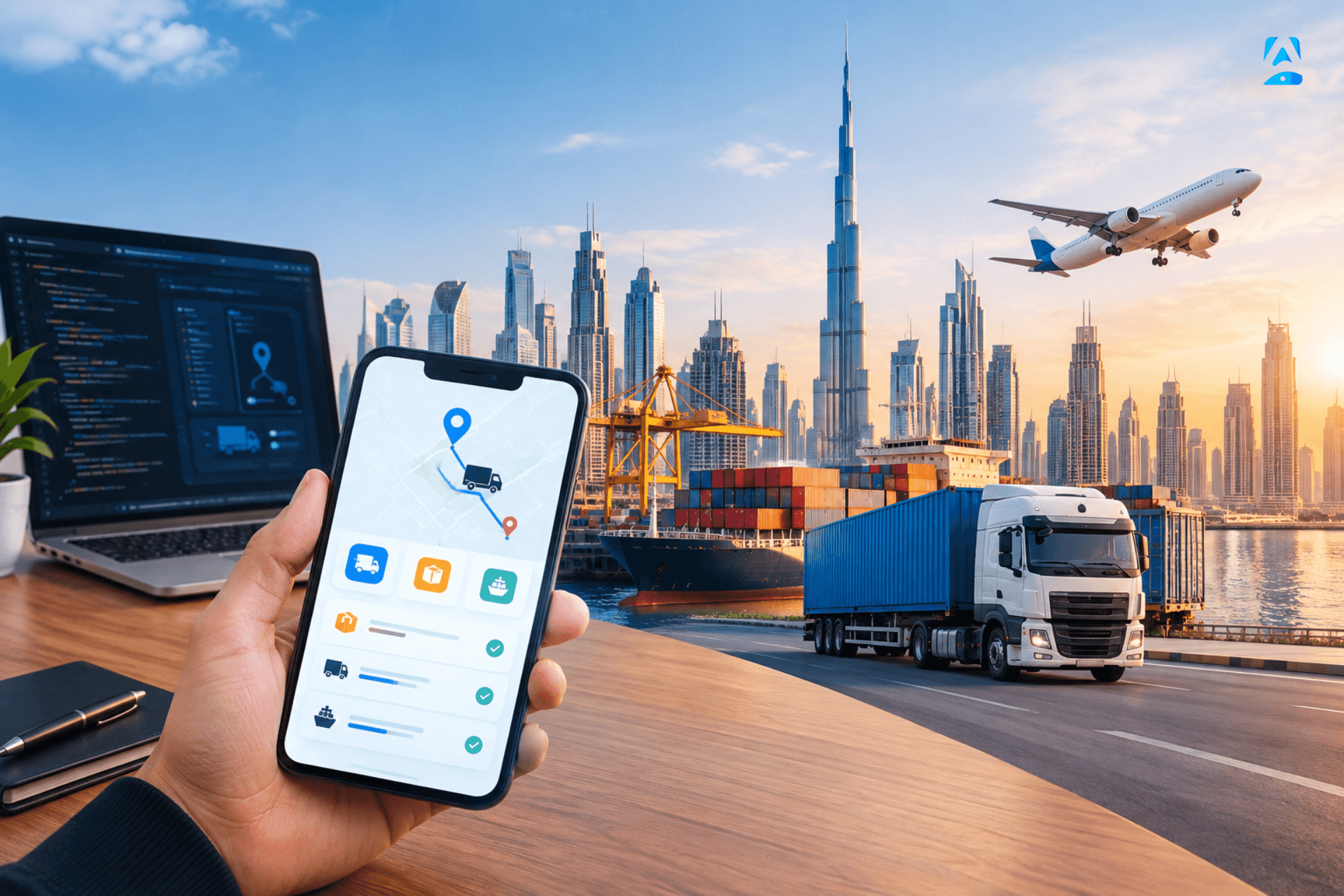
A logistics app for a Dubai delivery business needs live tracking, proof of delivery, and offline mode. That is the short answer. This guide to logistics app development Dubai walks through the features that matter, role by role, so you can build an app your dispatchers, drivers, and customers actually use.
A delivery business runs on information. Where is the driver? When will the parcel arrive? Did the customer sign for it? A delivery management app connects dispatchers, drivers, and customers in one place, so nobody has to call to ask. Here is what that app must do, feature by feature.
What a Logistics App Must Do
A logistics app does three jobs at once. It tells the dispatcher what is happening. It tells the driver what to do next. And it tells the customer when their parcel will arrive. If any one of those three fails, the whole operation slows down. So the app must serve all three, not just one.
Working with an experienced team for Mobile App Development in Dubai means one team handles design, build, testing, and launch, end to end. That matters, because a logistics app is not one screen; it is a system: dispatch, driver, customer, and dashboard, all talking to each other. One team that owns the whole system builds it faster and fixes it faster.
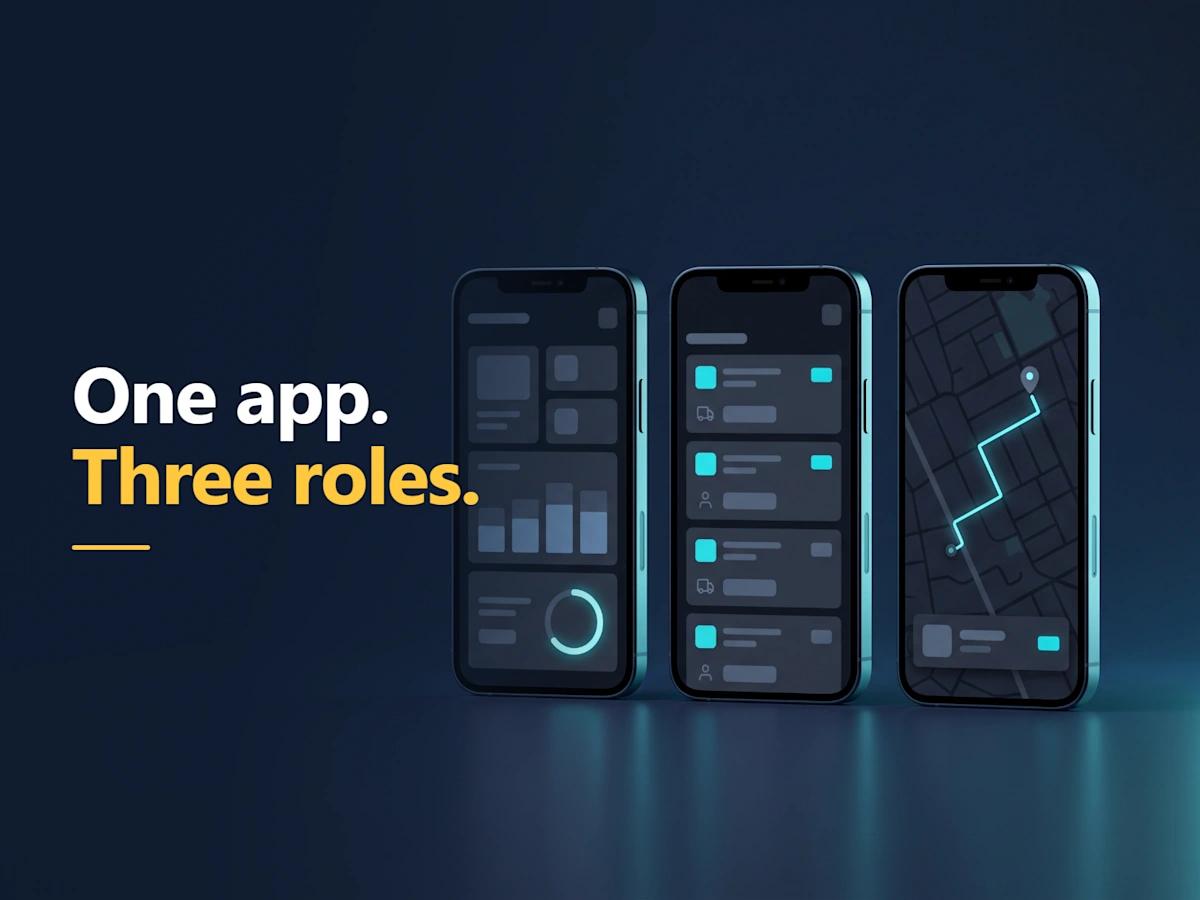
Three Roles, One App
A delivery management application is used by three individuals simultaneously: the dispatcher, the delivery driver, and the customer. The dispatcher creates and assigns work orders to drivers while monitoring the day's progress. The driver uses the application to follow a predetermined route and update their status after every stop. The customer can use the application to track the movement of their parcel. Although it is only one application, it provides three different perspectives based on each individual's role.
The most important features of the driver's app include accepting a job, viewing the route, and marking a job complete. Drivers who deliver packages don't have time to navigate complex screens. They need large buttons. They need clear language. They need to be able to complete one task at a time. If you have to train your drivers on how to use your app, then your app is too complicated. Keep things simple and the entire fleet will move faster.
Live Job Status and Route Updates
Every job requires a status. That status must be live. Assigned, picked up, on the way, delivered, failed. All updates to the job should appear on both the dispatcher's screen and the customer's screen immediately, so no one has to call in to find out where their package is. A live status feature is the solution to eliminating "where is my package" phone calls.
Routes can be altered throughout the day, so the software must be able to adapt. A closed street; a customer not available; a high-priority task. In addition to adapting, the dispatcher will need to create a new route for the driver in real time, and the driver will need to receive the new route immediately. An application that does not have real-time routing capabilities is essentially a digital version of a clipboard. It appears to be contemporary, yet functions similarly to a piece of paper.
Fleet Tracking and Location Permissions
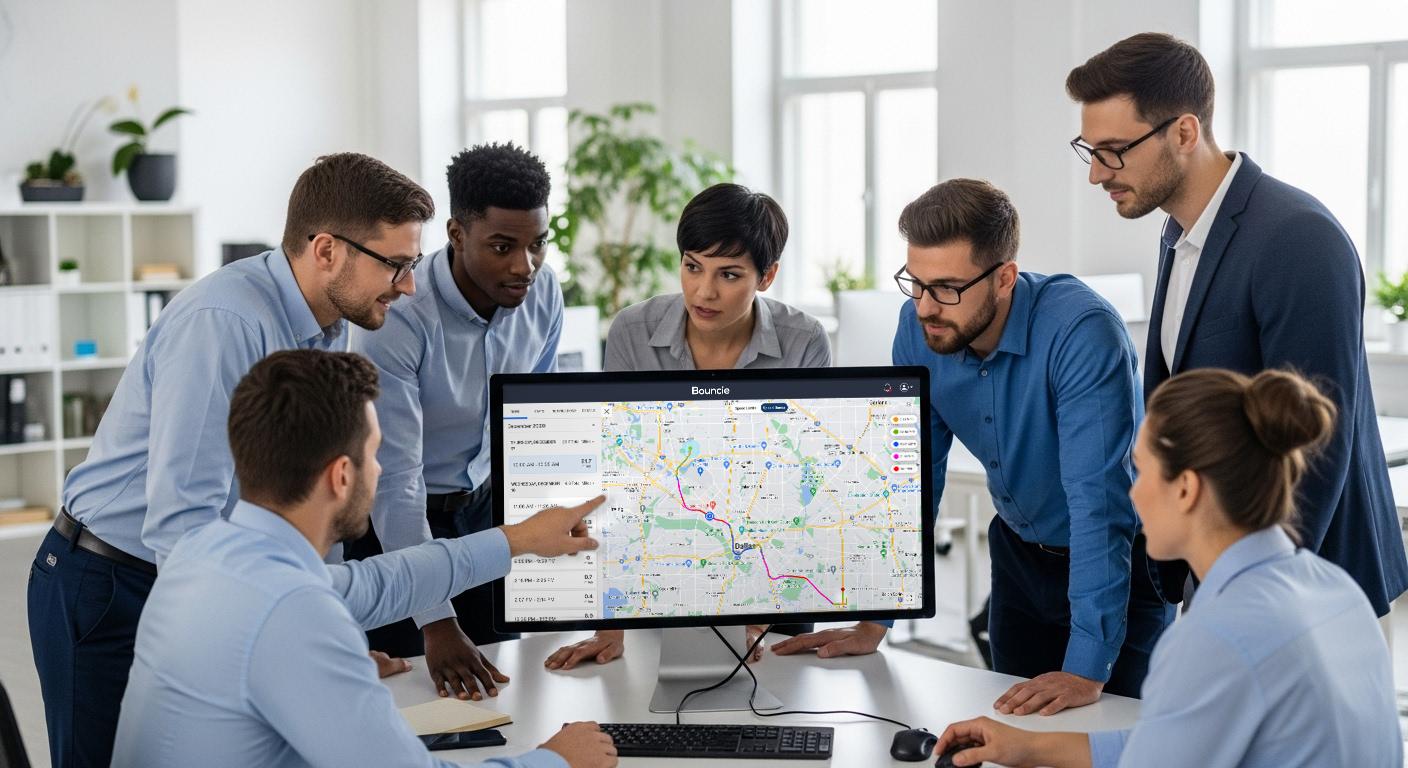
Fleet tracking apps show all of your vehicles at once on a single live map. This allows dispatchers to see which drivers are closest to their next job; which ones are caught up in traffic; and which ones have completed their work early. With that perspective, dispatching becomes less about guessing and more about making informed decisions. Dispatch the driver that's closest to the location of the next job rather than dispatching a driver based on memory.
Tracking must have consent, and consent must have credibility. Location tracking must be made transparent, honest, and confined within the driver's working hours. Drivers must understand what is being tracked and why. Only request location access when the assignment requires it, and make sure to clearly state why. Apps that track users without notifying them will lose drivers quicker than any software issue. Location data is considered personal data, and must be protected as such, not merely as points on a map.
Proof of Delivery, Done Right
A proof of delivery application records the exact time that a parcel is transferred from one person to another. This may include a signature, a picture, a date/time stamp and a location (GPS) point. That information protects all parties involved; the customer can verify that their package arrived, the driver can provide evidence that they delivered the package, and the company will have the ability to respond to any disputes that arise.
At this stage as well, keep driver app features simple. Since proof of delivery will happen right at the door and quickly, make it easy to do with just one click to confirm. Take one picture for proof. Keep form length short and button size large. Make sure that when you save the proof of delivery, it's easily accessible by the dispatcher in seconds, rather than requiring him or her to look for it within their email inbox. If there's a dispute over whether or not something was delivered, resolving it in minutes is better than resolving it in days.
Offline Handling: When the Signal Drops
Dubai is well covered; however, there are many areas that have poor coverage. For example, some examples include: basements, warehouses, remote sites. If a driver loses their signal, then the application must continue to operate. All jobs must remain visible. Updates to the application must be queued and sent once the driver regains a signal. If the application stops operating when the driver loses a signal, the driver will be left stranded, and the dispatcher will lose visibility into what the driver is doing.
Test offline mode as if you were driving. Go underground, get away from cell towers, shut down your internet connection and continue to work. All of your data will be saved locally and then synchronized when you regain access to the network; no updates will be lost. Saving data while offline is not an extra benefit; it's what makes drivers confident enough to use your application during the worst conditions.
Operations Dashboards and KPIs
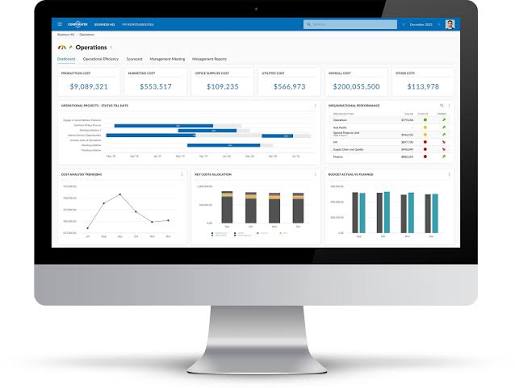
A fleet tracking mobile app is only useful if the data behind it is honest. The dashboard must show the real day: jobs completed, jobs late, drivers idle, deliveries failed. Not vanity numbers, real numbers. A dashboard that hides problems is worse than no dashboard at all.
Track the numbers that matter with Mobile App Analytics Metrics, like on-time rate, failed deliveries, and driver hours, so you can fix what the data shows. Review them weekly, not whenever someone panics. And connect every metric to one question: what will we change because of this? A metric that never changes a decision does not deserve dashboard space.
Choosing the Right App for Your Fleet
When comparing the various logistics mobile application development companies in Dubai, inquire about what will occur after the launch of your product. Who will fix the software bugs? Who will develop additional functionalities? Who will respond to the issue if the software fails on a Friday? A reliable development company will be honest with you from the very beginning, regardless of how painful the truth may be. Your fleet should have a mobile application that you can rely upon and a development team that you can rely upon to maintain it.
Start small. Begin with the features that are essential for your operation, then introduce the others as you receive feedback from dispatchers and drivers. A smaller first version will be less expensive, launched sooner, and have fewer unexpected costs. The second version is developed based upon what your team wants, rather than what you believe they want.
Driver Safety and Fair Work
Logistics apps are designed to protect drivers as much as possible while tracking them. Speeding notifications, rest breaks, and a panic button in case of emergency all help to ensure the safety of drivers. When drivers are safe, they are more likely to remain with their employers for longer periods of time. Therefore, if a company is losing drivers every month, then there is nothing on any list of features that will resolve this issue.
The use of tracking should be done fairly, for the benefit of drivers rather than as a punishment. Provide your team with the metrics from tracking, and allow everyone to celebrate when they are doing well and work together to resolve issues during poor performance periods. Tracking through an app that creates a sense of being monitored will ultimately cause your high-performing drivers to leave.
Scaling Up: From Ten Drivers to a Hundred
What is good for 10 drivers will fail with 100. There are more jobs, more routes, more customers, and more data. Your app needs to be able to handle scaling up without having performance issues, and your dashboard needs to remain usable even as the size of your fleet increases. Before signing on the dotted line, find out from your team how well the app handles growth.
As you expand your business, maintain simplicity. There should be only one method to assign work. Only one method to report on job progress. Only one method to document completed work. With growth comes added pressure, which will reveal each of the unorganized processes. A streamlined process when working with ten drivers will remain streamlined with 100 drivers.
Conclusion
So, what does a logistics app need? Live job status, clear roles for dispatcher, driver, and customer, fleet tracking with honest permissions, proof of delivery, offline handling, and a dashboard that tells the truth. Get those right, and the app becomes the backbone of your operation.
Start with your operation, not with the technology. Write down what dispatchers, drivers, and customers need, get two or three honest estimates, and pick the team that explains its choice best. A proof of delivery app protects your business when a customer says a parcel never arrived, and a launched app beats a delayed promise, every single time.
FAQ's
What is the most important feature of a logistics app?
+Do drivers need training to use the app?
+How does proof of delivery work?
+What happens when a driver loses signal?
+Which metrics should a delivery business track?
+How long does it take to build a logistics app?
+Can one app serve dispatchers, drivers, and customers?
+






Leave a Reply