© 2025 Mister Saad | All Rights Reserved

Dubai Marina

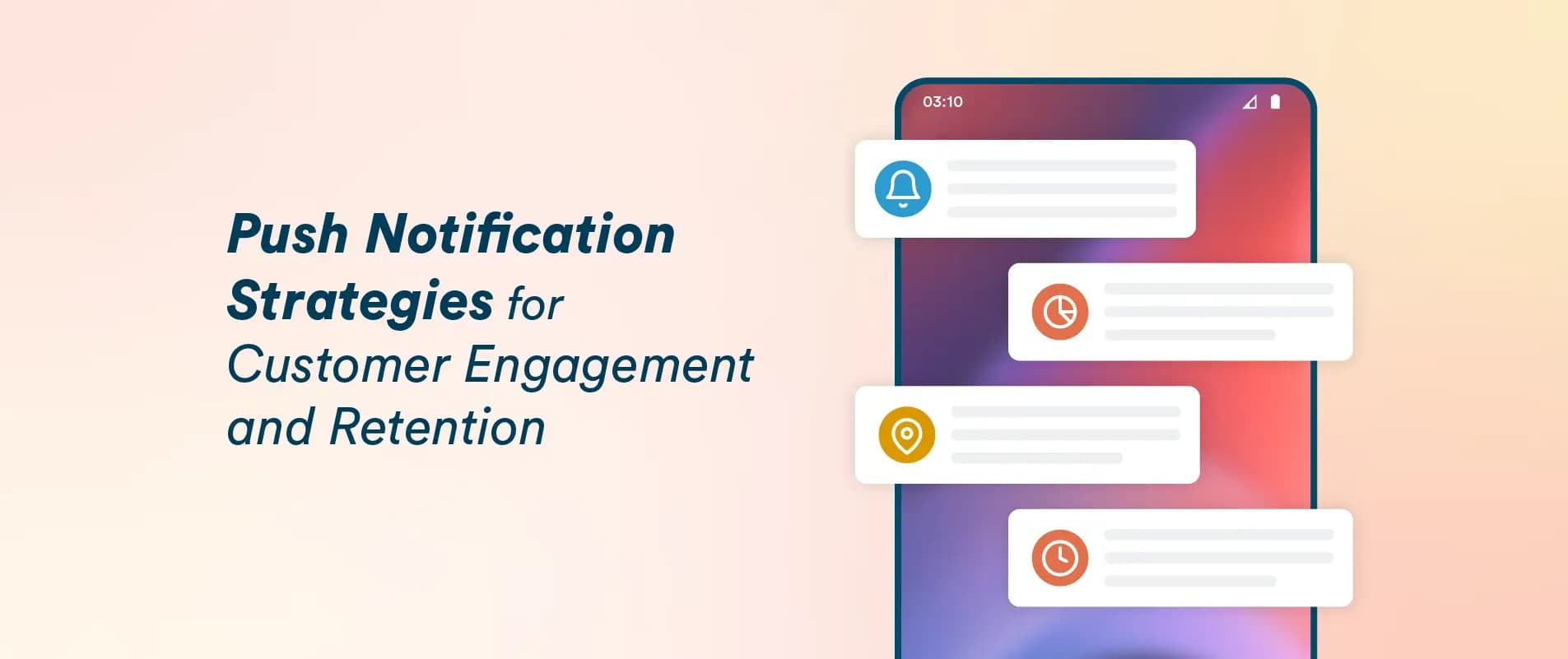
Mobile App Push Notifications: Types, Use Cases & Best Practices
You know that little buzz in your pocket. "Your order's on its way." "The shoes you saved? Now 20% off." That's a push notification doing its job or trying to.
Here's the thing, though. There's a massive gap between the notifications people actually like and the ones that make them delete your app on the spot. Same channel, totally different outcomes. This guide to Mobile App Push Notifications is about landing on the right side of that gap the types worth using, where they genuinely work, and the habits that keep your push notification strategy from turning into spam.
How Push Notifications Actually Work (The 30-Second Version)
Someone installs your app. The app asks, "Can I send you notifications?" If they say yes, the device registers with the platform's push service Apple's system on iPhones, Firebase Cloud Messaging on Android and gets a unique token. Your server talks to those services, they find the device, and the message is delivered. The app doesn't even need to be open.
Two things that actually matter to you as a product owner:
First, permission isn't optional anymore. On iPhones, Apple forces an explicit opt-in prompt; not a single notification goes out without it. Android's caught up too, with newer versions asking at runtime. The technical deep-dives live in Apple's official notifications documentation and the Firebase Cloud Messaging docs your developers already know by heart.
Second, and this is the one people forget- permission is borrowed, not owned. Users can revoke it in two taps. Every notification you send is either earning the next one or spending down goodwill. Keep that in mind and most of the "best practices" below will feel obvious.
The Main Types of Push Notifications
Not every notification is doing the same job. Lumping them together is how strategies go wrong. Here's the breakdown that actually matters:
| Type | What it does | Example |
|---|---|---|
| Transactional | Confirms something the user did | "Payment received," "Booking confirmed," OTP codes |
| Promotional | Tries to drive a sale or a visit | "Weekend sale — 30% off everything" |
| Behavioral / triggered | Reacts to user behavior | "You left items in your cart," "We miss you — here's 10% off" |
| Location-based | Fires based on where someone is | "You're near our Dubai Mall store — flash sale today" |
| Informational | Delivers content they asked for | Breaking news, score updates, weather alerts |
Transactional notifications get opened more than anything else you'll ever send. People want them they're waiting for them. One rule: keep them pure. The second you sneak a promo into an order confirmation ("Your package shipped! ALSO, 50% OFF!!"), you've broken trust. Don't.
Promotional ones? They work but they're the easiest to abuse. A well-timed, relevant offer feels like a favor. A daily generic blast feels like, well, spam. Because it is.
Behavioral and triggered notifications are where the money is, honestly. A cart reminder an hour after someone bails converts wildly better than a weekly newsletter-style blast, because it's tied to intent that's still warm. This is exactly where personalized push notifications earn their keep the message practically writes itself when it's based on what the person actually did.
Location-based notifications can feel almost magical when they land right. A relevant offer as you walk past the store? Lovely. A random ping because you happened to be in the neighborhood? The line between the two is whether the user clearly benefits.
Where They Actually Shine: Real Use Cases
E-commerce and retail. Cart abandonment, price drops, back-in-stock alerts, delivery tracking. This industry basically runs on push at this point. The winners personalize; the losers blast the same "MEGA SALE" to a million people and wonder why opt-outs spike.
Food delivery. "Your rider is 5 minutes away" might be the single most useful notification ever invented. Promotional ones work too "Hungry? 20% off dinner" but timing is everything. Lunch offers at lunchtime. Revolutionary concept, apparently, given how many apps get it wrong.
Fintech and banking. Transaction alerts, low-balance warnings, fraud pings. Here notifications aren't marketing they're the product. Nobody's judging your copywriting; they just need it fast and reliable.
Media and news. Breaking alerts for topics users actually follow. That's the key phrase topics they follow. Generic news blasts get muted within days. Targeted ones keep people opening your app every morning.
Edtech and fitness. Streak reminders, lesson nudges, workout prompts. Duolingo's famously relentless reminders work because they serve a goal the user set for themselves. Notice the pattern? Notifications tied to the user's own goals feel helpful. Ones serving only your metrics feel like nagging.
Healthcare. Appointment reminders, refill prompts, test results. Sensitive stuff — handle with care but when done right, these are genuinely appreciated. Few notification categories can say that.
Best Practices: A Push Notification Strategy That Doesn't Annoy People
Forget "hacks." A push notification strategy that works is just a set of good habits, applied consistently:
Earn the opt-in — don't ambush people. Asking for notification permission the second the app opens, before the user has any idea what you do? That's how you get a permanent "Don't Allow." Way better: show a quick screen first explaining the payoff ("Get real-time delivery updates"), then trigger the system prompt. People who understand the benefit opt in at much higher rates. Funny how that works.
Personalize like you mean it. "Hi Sara, the dress you saved dropped 20%" will beat "BIG SALE TODAY!!!" until the end of time. Use what you know past purchases, browsing, location, preferences. Personalized push notifications aren't a nice-to-have anymore; they're the baseline expectation.
Watch your timing and frequency. Is there a magic number? No. But the pattern's dead clear: fewer, better notifications outperform frequent mediocre ones every time. Most apps doing this well send a handful per week, max. And for the love of everything respect time zones. Your 10 AM is someone else's 3 AM, and a 3 AM promo is a delete-your-app moment.
One notification, one action. Each ping should have exactly one obvious next step — and tapping it should deep-link straight to the relevant screen. "Your order shipped" opens order tracking. Not the home screen. Not a generic landing page. The tracking.
Use the rich stuff. Images, action buttons, expandable content the modern app notification features on both iOS and Android let notifications do way more than plain text. A product photo plus "View" and "Dismiss" buttons will outperform a text-only blast. These app notification features are sitting there waiting use them.
Test everything, trust the data. A/B test copy, timing, images, CTAs. Watch opt-in rates, open rates — and the uncomfortable ones: opt-outs and uninstalls after a campaign. A spike in unsubscribes isn't failure, it's feedback. Listen to it.
Let users take the wheel. A preference center where people pick categories like "order updates" versus "offers" cuts opt-outs dramatically. Here's a truth most marketers resist: people don't hate notifications. They hate irrelevant notifications they can't control.
The Mistakes That Get Apps Deleted
Short version of everything above, inverted:
Volume with no value. Five generic blasts a day is the express lane to the uninstall screen.
Bait and switch. Marketing dressed up as a transactional update. Instant trust-killer.
Ignoring time zones. Covered above. Still happens constantly.
Dead-end taps. The notification opens the home screen instead of the thing it promised. Infuriating.
No easy off-ramp. If quieting you down is hard, people won't bother trying they'll just delete you.
Skipping the permission pitch. No explanation, just a system prompt on launch. "Don't Allow," forever.
Conclusion
Push notifications might be the highest-leverage channel in mobile. Cheap to send, instant, sitting right there on the lock screen. But that power cuts both ways used well, they drive retention and revenue; used carelessly, they actively destroy the relationship.
The formula isn't complicated: earn the opt-in with a real value promise. Personalize around actual behavior. Keep frequency sane. Deep-link every tap. Measure what happens after every campaign especially the unsubscribes. Nail the fundamentals and the fancy tactics mostly take care of themselves.
Building notifications into a bigger app project? Getting strategy, setup, and UX right from day one beats painful rework later which is why plenty of businesses work with a team offering Mobile App Development Services in Dubai, where you get platform expertise and regional market knowledge in one package. Either way: build the strategy before you build the sends.
FAQ's
How many push notifications per week is okay?
+Do push notifications work when the app is closed?
+What's a good push notification opt-in rate?
+Are iOS and Android push notifications different?
+Do I need consent to send push notifications?
+






Leave a Reply