

© 2025 Mister Saad | All Rights Reserved

Dubai Marina

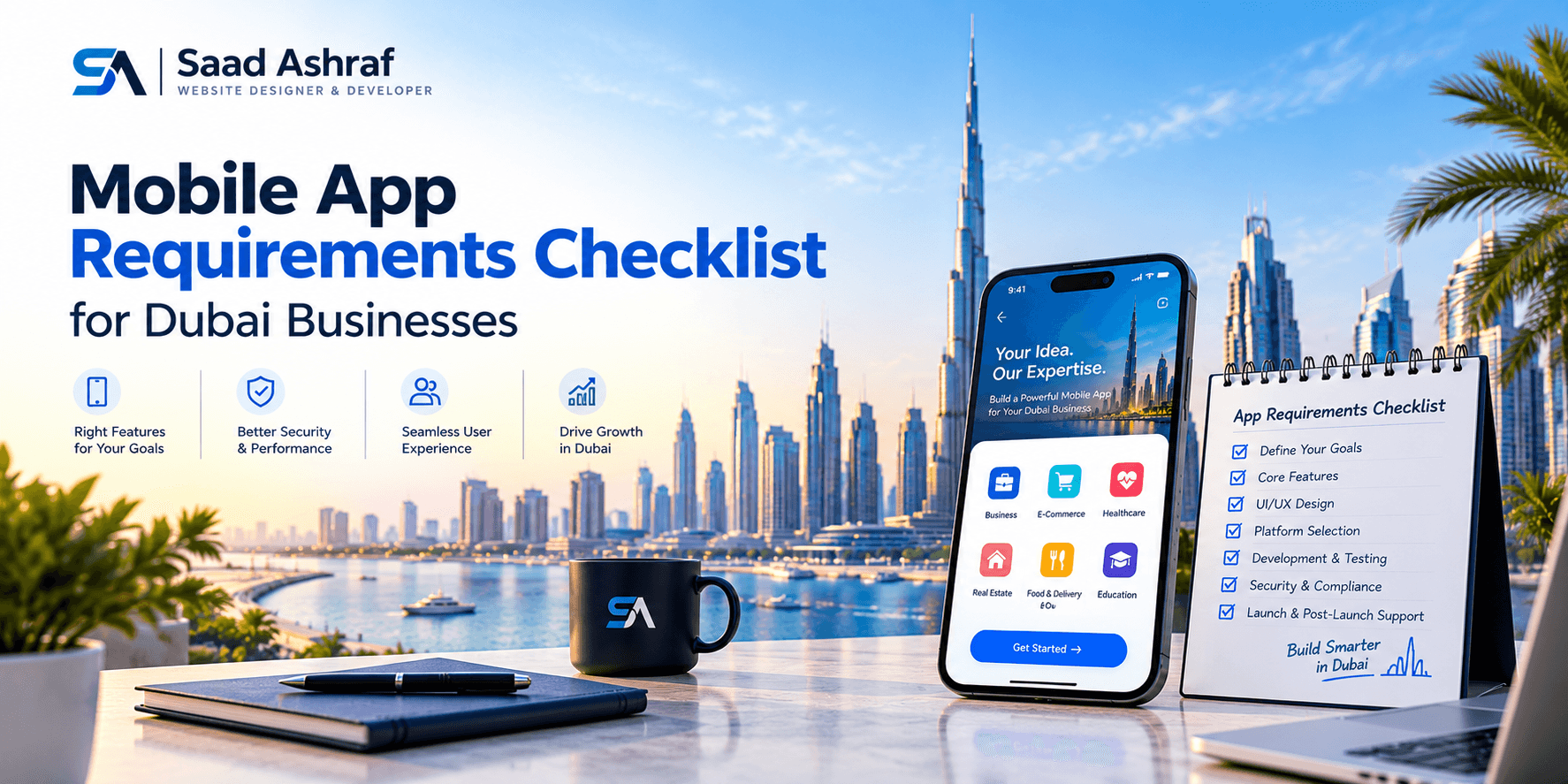
Mobile App Requirements Checklist for Dubai Businesses
Building a mobile app involves more than choosing a design and hiring developers. Businesses need to define their goals, understand customer expectations, plan essential features, and protect user information before development begins. A clear Mobile App Requirements Checklist helps Dubai businesses organize these decisions and avoid expensive changes later.
Whether you are planning an e-commerce app, a booking platform, or an application for internal operations, the requirements should reflect your business model and target audience. You should also consider language preferences, payment methods, accessibility, and applicable UAE regulations. Here is a practical checklist to help you prepare for development.
1. Define Your Business Goals and Target Users
Start by identifying the main problem your app will solve. An application should offer a clear benefit rather than simply move your website onto a mobile screen.
Before discussing design or technology, answer these questions:
● What is the primary purpose of the app?
● Who will use it: customers, employees, or business partners?
● Which services or tasks should users complete?
● How will you measure its success?
● What makes the app useful compared with your existing website?
For example, a Dubai restaurant may need online ordering and table reservations, while a property business may prioritize property listings, appointment bookings, and customer enquiries.
Define a few measurable goals, such as increasing completed bookings, reducing support requests, or improving repeat purchases. These goals will help you decide which features deserve priority.
2. Prepare a List of Essential App Features
The required features depend on your business type, but most customer-facing applications need a core set of functions. Identify the essential features for the first release and separate them from improvements that can be introduced later.
Your initial checklist may include:
User registration: Email, phone number, or suitable sign-in options.
User profiles: Account details, preferences, and saved information.
Search and navigation: Simple menus, filters, and relevant results.
Notifications: Useful updates about bookings, orders, or account activity.
Customer support: Contact forms, chat, FAQs, or support requests.
Payments: Secure payment processing if users purchase products or services.
Admin dashboard: Tools for managing users, content, orders, and enquiries.
Analytics: Data to understand engagement and app performance.
Not every app requires every feature. A service-booking application, for instance, may need a calendar and appointment reminders, while an online store needs product pages, a cart, and an order-tracking process.
p the first version focused. Adding unnecessary functions can increase development time, testing requirements, and maintenance work.
3. Include Arabic and English Language Requirements
Dubai serves customers with different language preferences. Planning Arabic and English App Requirements early can help businesses create a more accessible and consistent user experience.
Bilingual functionality involves more than translating buttons and headings. Arabic uses a right-to-left writing direction, while English uses a left-to-right layout. The interface must accommodate both without breaking menus, forms, icons, or page alignment.
Check the following requirements:
● Arabic and English content is professionally translated.
● Users can switch languages easily.
● Arabic screens support right-to-left layouts.
● Forms, navigation menus, and notifications work in both languages.
● Translated content fits smaller screens without cutting off text.
● Customer support information is available in the intended languages.
● Dates, numbers, currencies, and messages display appropriately.
Test both language versions on actual devices before launch. If your application provides regulated or public-facing digital services, review the specific language and accessibility obligations that apply to your organization. Dubai Law No. 9 of 2022 regulates the provision of digital services in Dubai and is a relevant official reference when reviewing applicable digital service requirements.
4. Plan Security, Privacy, and Data Protection
An app may collect names, phone numbers, addresses, payment-related information, or other personal data. Before development starts, decide what information is genuinely necessary and how it will be protected.
Your security checklist should cover:
● Appropriate user consent where required.
● Secure login and account recovery.
● Role-based access to administrative functions.
● Regular software updates and security testing.
● A process for handling incidents and user data requests.
● Encryption for sensitive information in transit and where stored.
● A clear privacy policy explaining data collection and use.
Avoid collecting information simply because it might be useful later. Unnecessary data creates additional responsibility and can reduce customer confidence.
Review the UAE Personal Data Protection Law and any applicable sector-specific or free-zone rules with a qualified professional. The correct obligations depend on your business, the information processed, and the relevant legal framework. Privacy and security should be part of the original requirements, not tasks left until launch.
5. Choose Suitable Payments and Integrations
If your app accepts payments or connects with other business systems, document these requirements before selecting a development approach.
For payment functionality, decide which payment methods your customers need, which payment provider supports your business, and how refunds, failed transactions, receipts, and payment confirmations will work. Use an appropriate payment provider rather than storing sensitive card details unnecessarily.
You may also need integrations with:
● Customer relationship management (CRM) software.
● Inventory and order management systems.
● Booking or scheduling platforms.
● Accounting and invoicing tools.
● Maps and location services.
● Email, SMS, or push notification services.
● Check that development tools and build dependencies are also maintained.
Confirm integration costs, access permissions, and technical limitations in advance. If a third-party service becomes unavailable, consider what the app should display and how users can continue important tasks.
6. Set Performance and Accessibility Standards
A useful application should remain responsive and easy to navigate across supported devices. Slow loading, confusing forms, and frequent crashes can discourage users from returning.
Include these requirements in your checklist:
● Support for the agreed iOS and Android versions.
● Responsive layouts for different screen sizes.
● Fast loading of key screens.
● Clear buttons, readable text, and consistent navigation.
● Helpful error messages and recovery options.
● Reasonable behaviour on slower internet connections.
● Accessible labels, sufficient colour contrast, and scalable text.
Accessibility needs particular attention when your app provides services to the public. Follow relevant accessibility standards and consult the W3C guidance on applying WCAG 2.2 to Mobile Applications when reviewing navigation, text readability, interactive controls, and other mobile interface elements. Dubai and UAE accessibility policies or rules may also apply depending on the service and organization, so review the requirements relevant to your business.
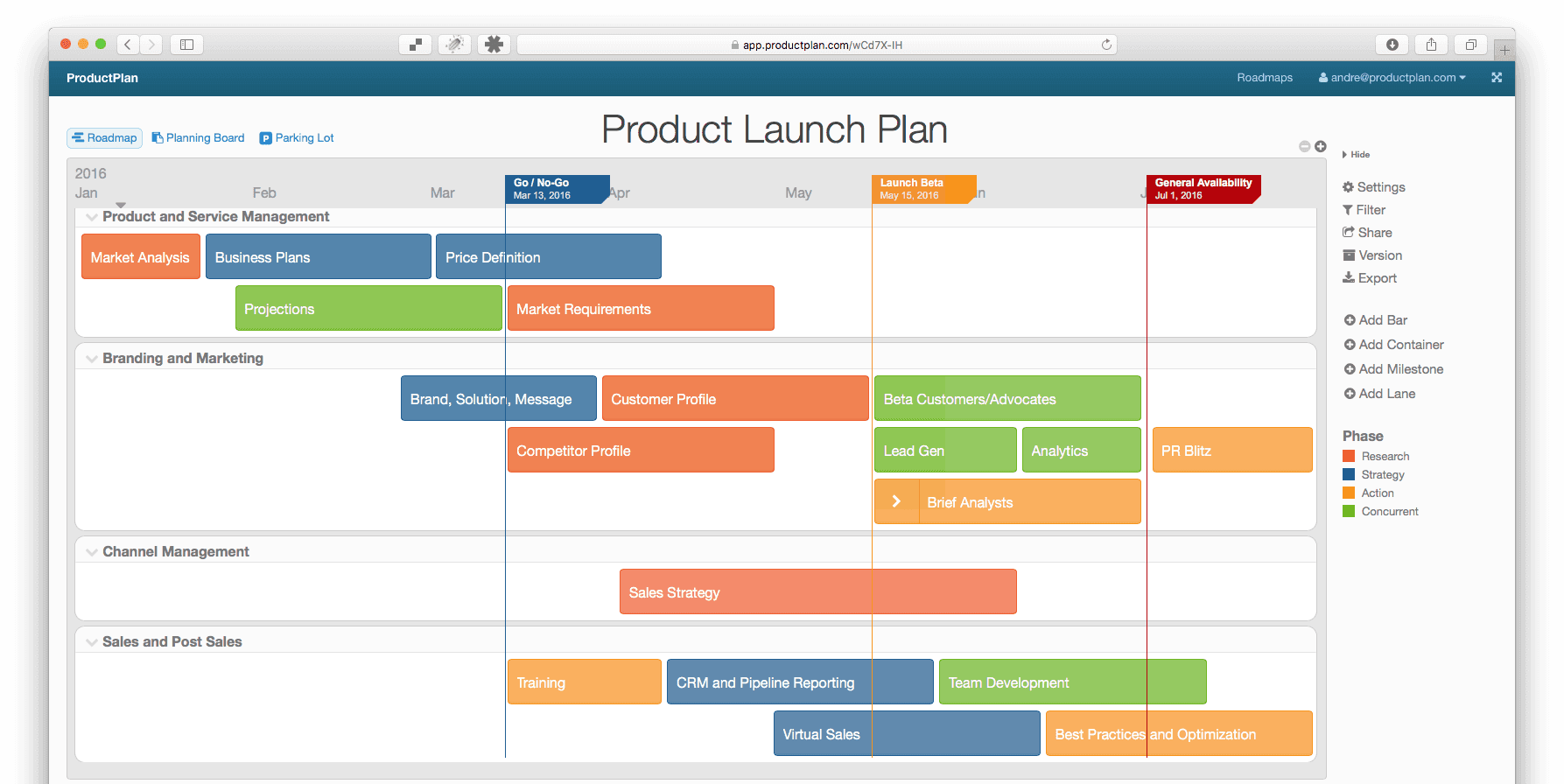
7. Prepare a Testing and Launch Plan
Testing should begin before the app is submitted to an app store. Create a list of scenarios that reflect how real users will interact with the application.
Test registration, login, payments, notifications, language switching, forms, and integrations. Check what happens when a user enters incorrect information, loses connectivity, or closes the app during a transaction.
Also confirm that:
● Major bugs are fixed before release.
● Privacy information and permissions are accurate.
● App store descriptions and screenshots are ready.
● Analytics and crash reporting work correctly.
● Customer support contacts are available.
● A maintenance plan covers updates, backups, and future improvements.
A structured testing process helps identify issues before they affect customers. Plan for ongoing maintenance as part of the project budget, not as an unexpected expense after launch.
8. Work With the Right Development Partner
The development partner should understand your business goals, technical requirements, and intended audience. When comparing a Mobile App Developer Dubai businesses may consider reviewing relevant portfolio projects, communication practices, testing procedures, security experience, and post-launch support.
Ask potential partners to explain their proposed technology, project milestones, deliverables, and maintenance arrangements. Request a written estimate that separates design, development, integrations, testing, deployment, and ongoing support.
Before signing an agreement, confirm who owns the source code, design files, app store accounts, and project documentation. Clear responsibilities can prevent misunderstandings when the app needs updates or your business changes direction.
Conclusion
A well-prepared mobile app requirements checklist gives Dubai businesses a practical starting point for development. By defining the app's purpose, prioritizing useful features, planning bilingual functionality, protecting user data, and setting clear testing standards, you can reduce avoidable problems and make better project decisions.
Before development begins, review the checklist with your stakeholders and development team. A shared understanding of requirements makes it easier to estimate costs, manage expectations, and build an app that serves your customers and supports your business goals.
FAQ's
What should a mobile app requirements checklist include?
+Should a Dubai business app support Arabic and English?
+When should app security requirements be defined?
+How can a business avoid unnecessary app development costs?
+







Leave a Reply